How Wishper works
A wish list your guests can actually use — no guessing, no duplicates.
Whether you're expecting a baby, planning a wedding, or celebrating a graduation — Wishper works for any occasion.
One link covers everyone — family, friends, colleagues. No app to download. And guests never need to create an account to reserve a gift.
Add anything, from anywhere
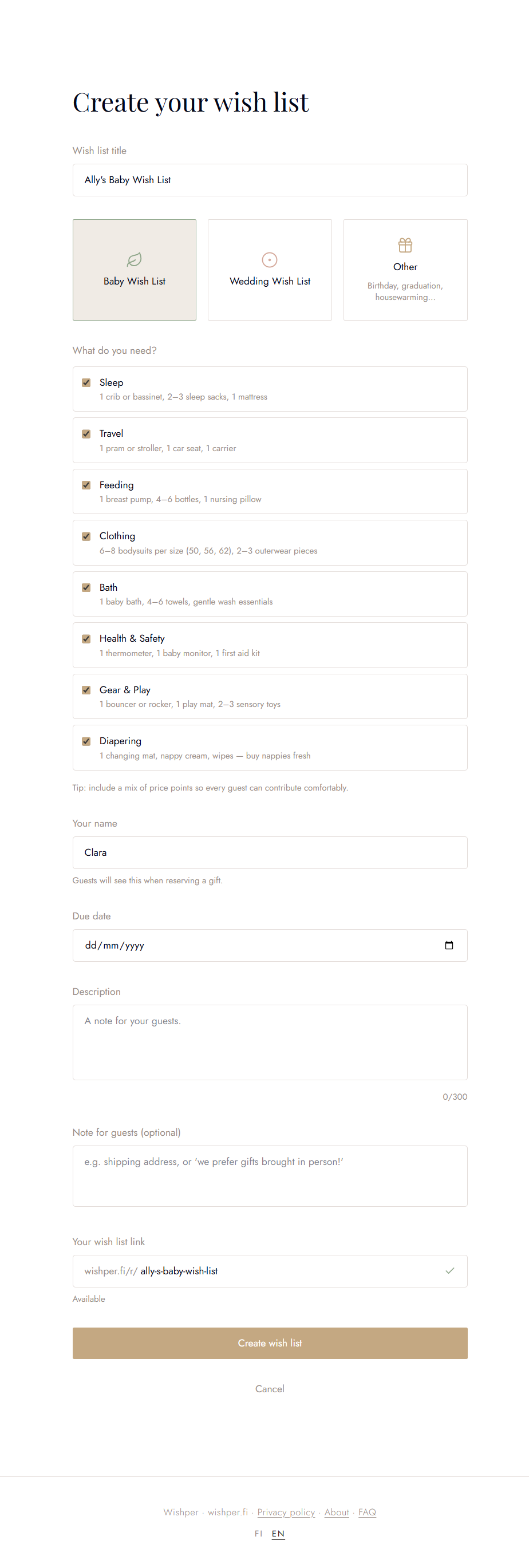
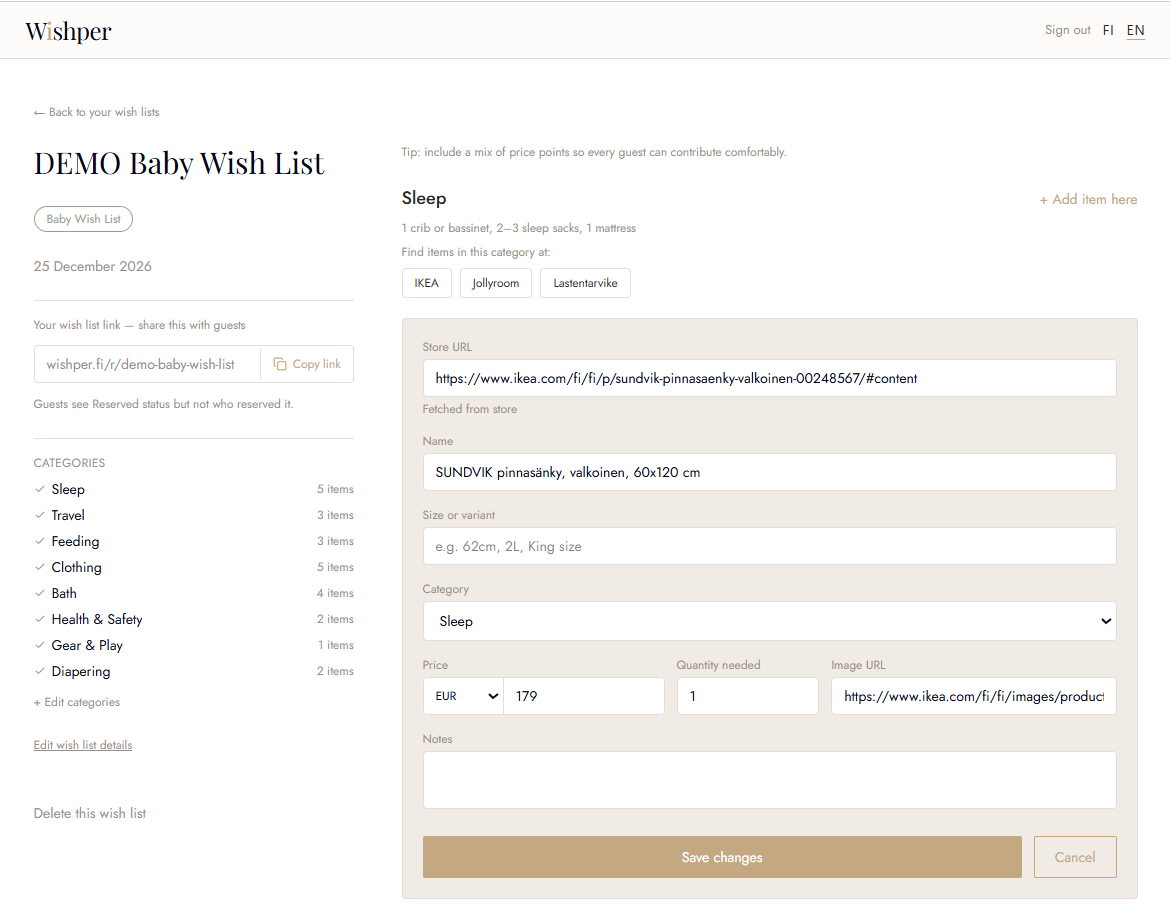
Choose your occasion, pick the categories you need, and add items by pasting a link from any store. Unlike single-store registries, Wishper works with any retailer — mix and match from wherever you like. Wishper fills in the name, price, and image automatically — and every field is manually editable before you save.
Your list, organised your way
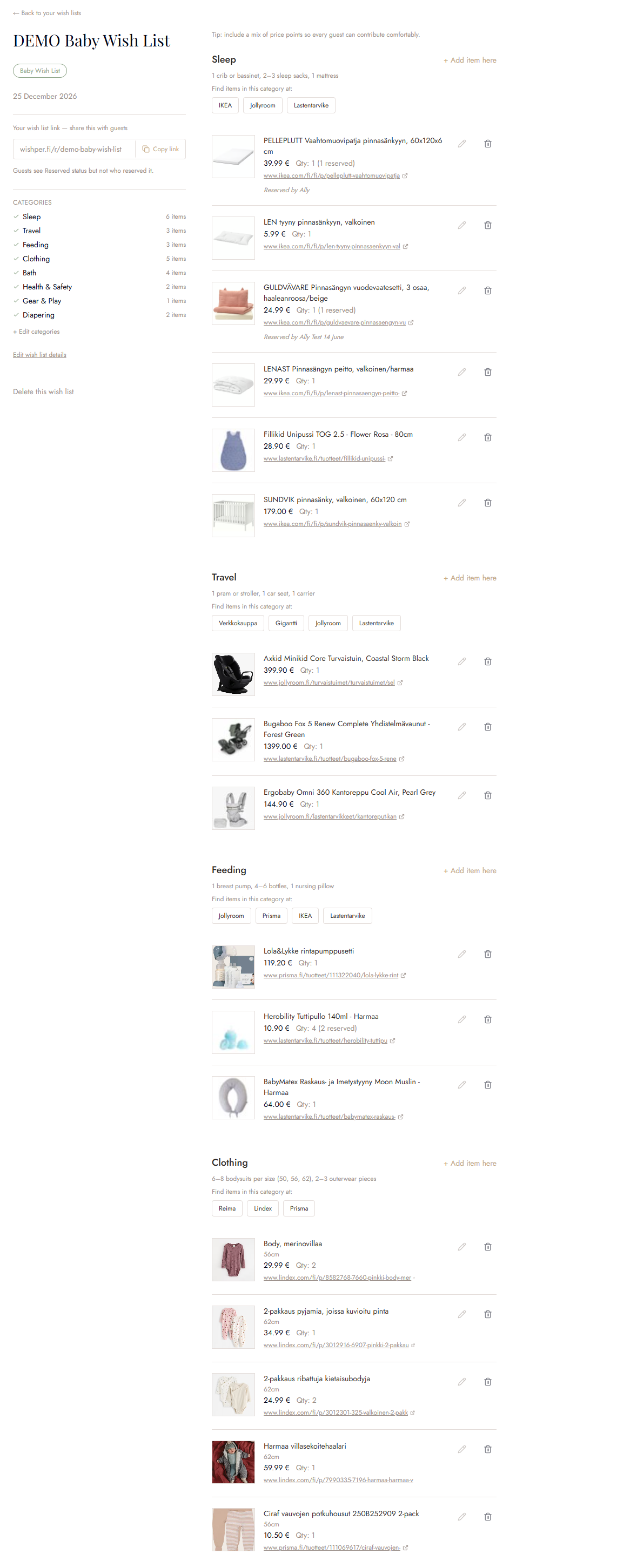
Items are grouped by category so guests can find what they're looking for. Wishper suggests categories and typical quantities for your occasion to get you started — everything can be edited or removed to match exactly what you need. You can add, edit, or remove items any time — even after you've shared your link.
No more duplicate gifts
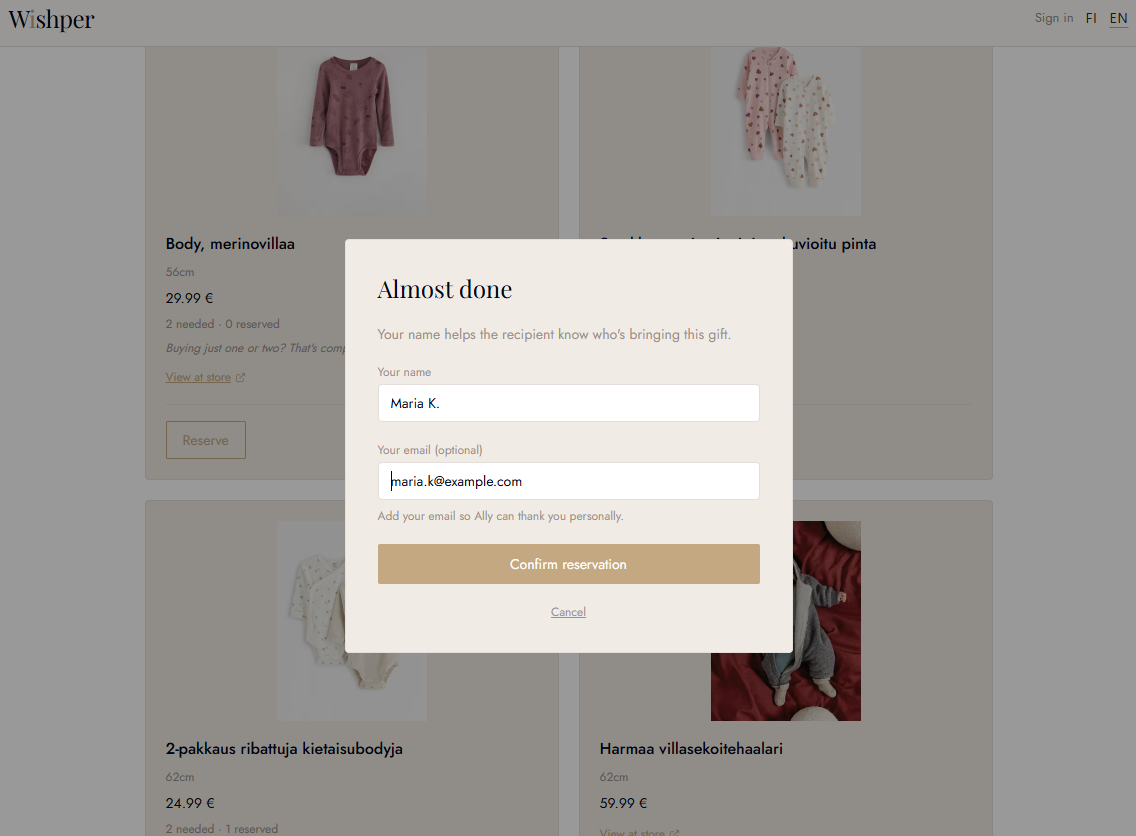
Guests visit your link and reserve the item they plan to give — letting everyone else know it's taken. They then buy it directly from the store. Simple, with no duplicates.
Know the moment something is reserved
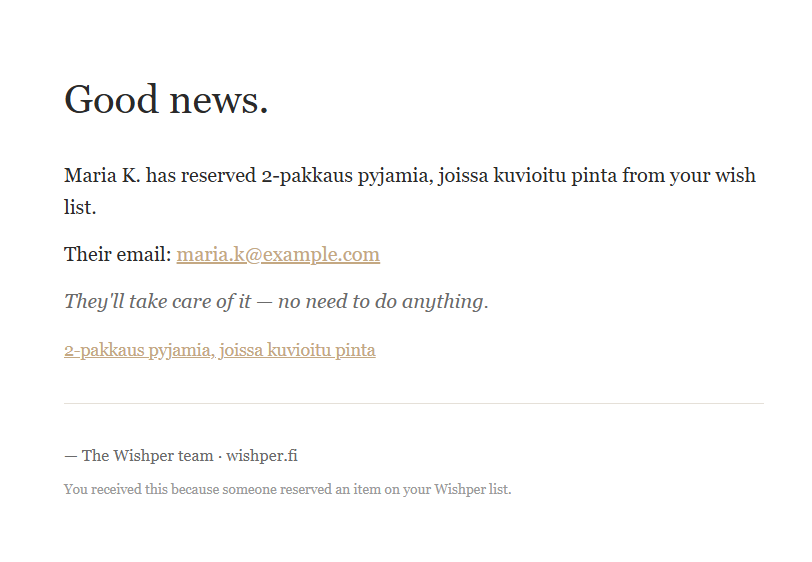
You get an email notification straight away when a guest reserves an item — no need to keep checking your list.
Planning a surprise? Turn on Surprise Mode to hide gift-givers' names and items from your notifications — so you can stay in the dark until the big day. You can reveal everything afterwards to see who gave what and thank everyone personally.
See it for yourself
No signup needed — take a look at a real wish list from the guest's perspective.